8 Trade Show Display Printing Strategies to Make Your Booth Stand Out
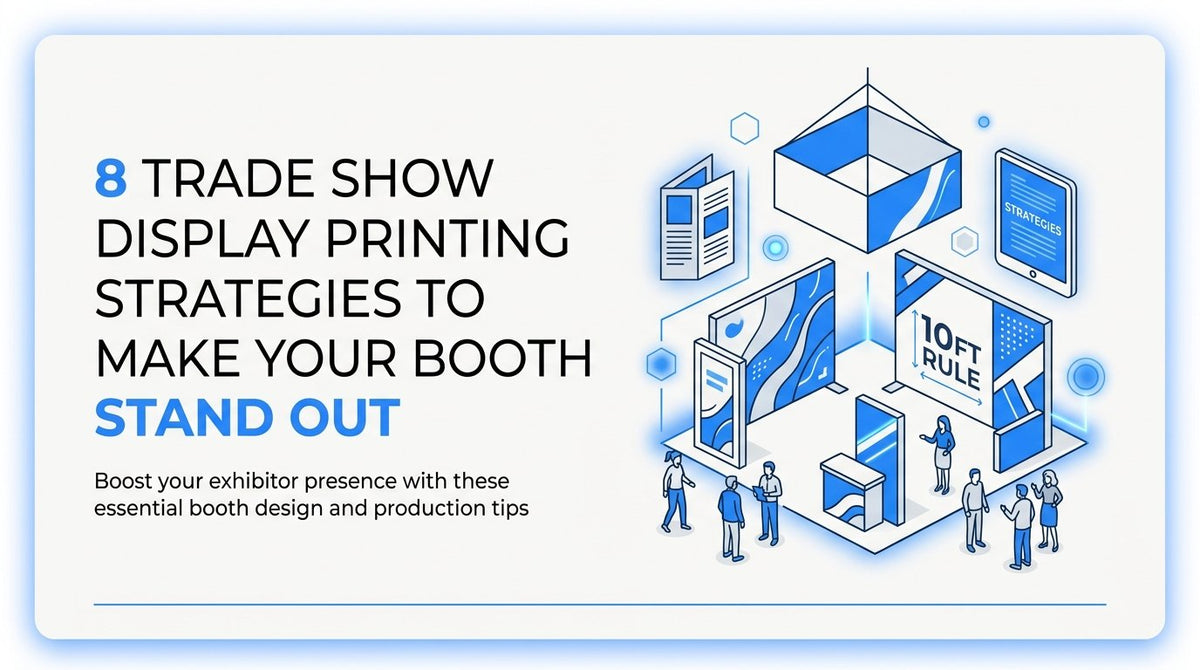
Updated October 2026. Trade show floors are crowded and attention spans are short. Attendees decide which booths deserve a second look before they read a single word of copy. Exhibitors who plan their trade show display printing strategically, instead of treating it as a last-minute checkbox, consistently win more foot traffic and better conversations. The difference rarely comes down to budget. It comes down to a handful of production decisions made weeks before setup day. Here are eight strategies that separate booths people remember from booths they walk past.
1. Design for the 10-Foot Rule First
Most booth graphics fail for a simple reason: they're designed to be read up close, but attendees decide whether to approach from ten feet away or more. If your headline, logo, and product photo are competing with three paragraphs of feature bullets, none of it registers from the aisle. The eye needs one clear focal point and a short message it can absorb while walking past at a normal pace.
Consider a dental supply company exhibiting at a regional trade show that replaced a dense paragraph of product specifications with a single benefit line paired with one strong product photo. The booth became legible from the aisle instead of only to attendees already standing in front of it, and staff reported more people slowing down to look.
- Draft headline copy at five to eight words maximum, focused on the single benefit that matters most to your audience.
- Choose one hero image that supports that message instead of a collage of products or services.
- Print a reduced-scale version of the layout and view it from ten feet away, or mock it up on a large monitor, before finalizing the full-size file.
The common mistake is treating a backdrop like a printed brochure, cramming in every logo, tagline, and bullet point the marketing team wants included. It reads fine on a laptop screen and disappears entirely on the show floor. Track booth approach rate or scan-in and lead count against your numbers from a previous show using the same booth space to see whether the simplified design is actually pulling more traffic.
2. Match Materials to How Long the Display Will Work
Substrate choice is a durability decision, not just a cost decision. Coroplast is a lightweight corrugated plastic well suited to single-use or short-term signage. Foam board works for one-off indoor events. PVC and acrylic hold up to repeated handling and transport. Tension fabric displays and retractable banner stands are built for exhibitors who show up at multiple events a year and need something that survives packing and unpacking without warping or cracking.
A nonprofit running one annual fundraiser reasonably chose foam board signage for that single event. A company exhibiting at six regional shows a year made a different call, investing in PVC panels and a retractable banner system designed to be reassembled repeatedly without visible wear.
- List the expected number of uses per year and the handling conditions: indoor or outdoor, shipped freight or hand-carried.
- Match that usage profile to a material durability tier rather than defaulting to whatever is cheapest per square foot.
- Confirm with your print provider which substrates are rated for repeated setup and teardown versus single-event use.
The common mistake is buying disposable-grade material for a display meant to be reused, which leads to warped panels or cracked corners by the second or third event. Calculate cost per use, total spend divided by number of events the piece supported, rather than judging material choice on upfront price alone.
3. Build a Cohesive System, Not Standalone Pieces
A booth reads as one visual statement to attendees walking by, even when it's assembled from a backdrop, a table throw, floor graphics, and printed handouts. If those pieces were ordered at different times from different vendors, small inconsistencies in color and typography become obvious the moment they're standing next to each other under show lighting.
One exhibitor ordered a backdrop from one vendor and floor graphics from another, only to discover the blues didn't match once both pieces were installed side by side. Consolidating future orders with a single print partner and sharing one color-proofed file resolved the mismatch before the next show.
- Create a master brand file with locked CMYK color builds, not just RGB hex codes, since RGB values don't translate reliably to print.
- Share that file with your print provider for every booth component, from the backdrop to table throws to handouts.
- Order related pieces together whenever possible, or at minimum reference the same source file and color proof each time.
The common mistake is ordering pieces separately over months or years without a shared reference file, which lets color and font drift creep in unnoticed. During your final walkthrough before the show, do a visual consistency check across every printed element and count any mismatches you catch. Zero should be the target, and it's far cheaper to catch drift at the proof stage than at the booth.
4. Use Backlit or High-Contrast Graphics Under Show Lighting
Convention hall lighting is brighter, flatter, and less forgiving than the lighting most designers work under at a desk. Soft gradients and subtle color transitions that look sophisticated on a calibrated monitor often wash out completely under overhead fluorescent or LED rigs. High contrast and bold color separation hold up far better in that environment.
One exhibitor's backdrop featured a soft gradient background that looked polished in design review but appeared flat and lifeless under hall lighting at a previous show. Switching to a backlit panel with strong contrast made the graphic visible from across the aisle instead of blending into the background noise of the hall.
- Request a lighting sample or small proof panel from your print provider before committing to full production.
- View that sample under bright fluorescent or LED lighting similar to what convention centers use, not just under office lighting.
- Adjust contrast and color separation based on what you see, then approve the final file for full-size printing.
The common mistake is approving a design based only on a calibrated computer monitor, which never matches how the graphic will actually look under harsh venue lighting. Gather visual legibility feedback from a test viewing under similar lighting, or have staff walk the aisle during setup and report back on what's actually readable from a distance.
5. Plan Floor and Wall Graphics as Wayfinding Tools
Floor decals, wall graphics, and window graphics do more work than decoration when they're used deliberately. Placed along the path from the aisle to a demo station or featured product, they guide attendee movement instead of just filling empty space. Most exhibitors treat these elements as an afterthought rather than as part of the booth's functional layout.
One exhibitor added directional floor decals leading from the main aisle to a live product demonstration station, and saw more attendees actually stop at the demo rather than glance and keep walking. The graphics gave people a visual reason to change direction.
- Map out your booth layout and identify the specific path you want attendees to follow, whether toward a demo, a check-in table, or a featured product display.
- Place removable adhesive floor graphics along that path with clear directional cues, arrows, footprints, or a simple color trail.
- Confirm venue rules on adhesive type before installation, since requirements vary by convention center and change over time, so check with the venue directly as of 2026 rather than assuming last year's rules still apply.
The common mistake is installing floor graphics without checking those adhesive rules first, which can lead to damage fees or a forced removal before doors even open. Once the show is underway, watch the actual foot traffic pattern and see whether the crowd flows toward the intended demo or product area as designed.
6. Build in Modularity for Multi-Show Exhibitors
Exhibitors who attend multiple shows a year face a recurring problem: messaging that fits a regional audience doesn't always fit a national one, and reprinting an entire backdrop for every event adds up fast. A modular system, built around a reusable frame with interchangeable graphic panels, solves this without sacrificing a polished look.
A company exhibiting at both a regional and a national show used the same tension-fabric frame at both events but swapped in a different graphic panel tailored to each audience's industry focus. The structural investment was made once; only the messaging changed.
- Choose a display system built for replaceable panels, such as tension fabric or panel-based backdrops, rather than a single fixed print.
- Design each graphic panel as a separate file so individual messages can be updated without touching the rest of the system.
- Treat the structural frame as a one-time investment and budget future spend toward panel updates instead of full rebuilds.
The common mistake is building a single fixed backdrop with no ability to update it, which forces a full reprint every time branding or messaging shifts. Compare the cost and turnaround time to update a modular panel against what a full backdrop reprint would cost, and the value of modularity usually becomes clear after the second or third show.
7. Order a Physical Proof Before Full Production
A digital PDF can look correct on screen and still be wrong at full scale. Color shifts, text placement relative to grommets or seams, and bleed lines (the extra margin of printed image that extends past the final trim edge) are all things a proof catches that a screen review simply can't.
In one case, a physical proof revealed a logo sitting uncomfortably close to a grommet placement on a banner stand, something invisible on the digital file. Catching it at the proof stage meant the layout could be adjusted before the full eight-foot backdrop went to press, rather than after it arrived at the venue.
- Request a physical proof or scaled-down sample from your print provider before authorizing the full production run.
- Check bleed lines, seam placement, and text position against hardware elements like grommets or frame edges.
- Approve the proof in writing so there's a clear record before full production begins.
The common mistake is approving artwork from a digital file alone and discovering scale or color problems only after unboxing the finished display at the show. Track how many post-production corrections are needed after proof approval. The target is zero, and a clean proofing process is usually what gets you there.
8. Build In Turnaround Buffer and Local Backup Options
Show dates don't move, which means printing timelines have to account for everything that could go wrong before that date arrives: a delayed proof approval, a shipping delay, or a reprint after catching an error late. Building in a buffer isn't overcautious planning, it's the difference between a fixable problem and a booth that never shows up.
One exhibitor shipping a large backdrop nationwide built in a two-week buffer ahead of the show date. When a proof revealed a color issue, that buffer left enough time for a reprint instead of forcing a choice between a flawed backdrop and no backdrop at all.
- Set an internal deadline for final art approval at least two to three weeks before the show date, working backward from production and shipping timelines.
- Confirm shipping method and estimated delivery window with your print provider well ahead of that deadline.
- For Houston-area events, consider local pickup or installation in Cypress, Katy, Tomball, or Northwest Houston instead of relying solely on freight shipping, which removes one variable from the equation entirely.
The common mistake is ordering printing at the last minute with no buffer built in, leaving zero room to fix errors or recover from a shipping delay. Track the actual days of buffer between expected delivery and your show date on every order, and adjust your internal deadlines if that number keeps shrinking.
When vetting a vendor, our breakdown of how to choose a local Cypress printing service covers what questions to ask about turnaround, materials, and proofing before you place the first order.
Sequencing These Decisions Before Your Next Show
Start with the 10-foot rule and material selection, since those two decisions shape almost everything that follows: they determine your layout, your budget, and how the rest of the booth needs to be built around them. Once those foundations are set, layer in the cohesive system and lighting considerations as your design takes shape, then treat proofing and turnaround planning as the final checkpoints before your show date locks in. Handled in that order, trade show display printing stops being a scramble in the final week and becomes a process you can repeat confidently at every show on your calendar.
If you're preparing for an upcoming event and want a print partner who handles design, material selection, and local installation across Cypress, Katy, Tomball, and Northwest Houston, or ships nationwide when you need it, our team can walk through your booth plan with you before you commit to a full production run. Experience JYS: Order Now